Power
Located at the very top of your Town view, your Power is a numerical representation of your account's overall progression and size.
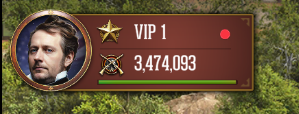
While everyone wants a high Power level, it is important to understand that it is essentially a "vanity stat", having a massive Power number does not automatically mean you will win battles. Instead, Power serves as a quick visual gauge to help you and other players estimate the general threat level of a Town before committing to a Scout or Attack March.
How to Increase Power
You can actively grow your Power number by developing almost every aspect of your account:
Building Upgrades: Expanding your Fort and upgrading the various structures inside your Town.
Research: Completing economic, military, and combat projects in your College and Academy.
Troop Training: Training new Infantry, Artillery, Cavalry, and Siege units in your Barracks.
Commander Progression: Leveling up your Commander and equipping them with high-tier gear.
Town Missions: Completing development milestones.
Permanent vs. Fluctuating Power
One of the most important concepts to grasp is that not all Power is permanent. Depending on where your Power comes from, you can actually lose it.
Permanent Power (Cannot be lost) Power earned through completing Town Missions, finishing Research, and leveling up your Commander is permanently attached to your account. No matter how many times you are attacked, this Power can never be taken away.
Fluctuating Power (Can be lost)
Troop Power: Your army makes up a massive portion of your total Power. If your troops are injured in combat, your Power will drop until you heal them in the Hospital. If your troops are killed, that Power is lost forever, and you must train new troops to regain it.
Building Power: If you choose to manually demolish a building in your Town to make room for something else, the Power associated with that specific building level will be subtracted from your total.
Buffs
To view a complete breakdown of every active multiplier currently affecting your Town and army, simply tap on your Power number at the top of your Town view.
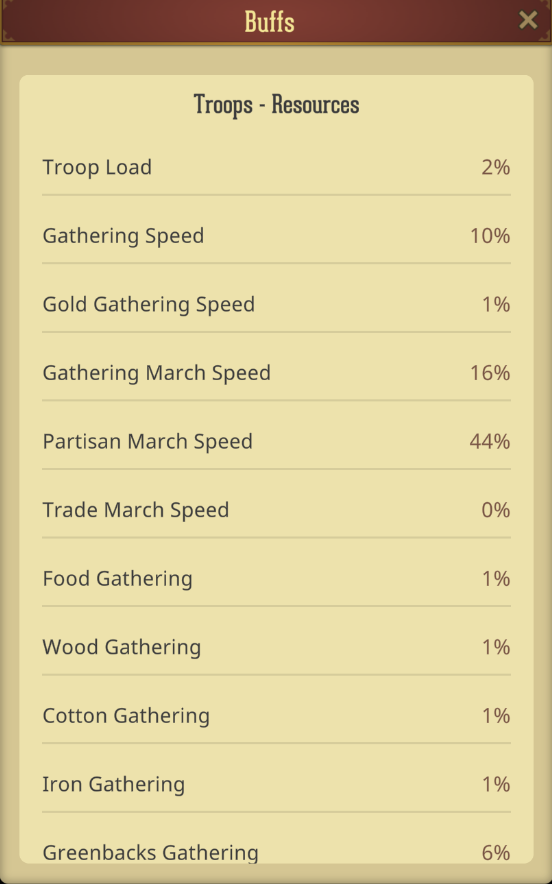
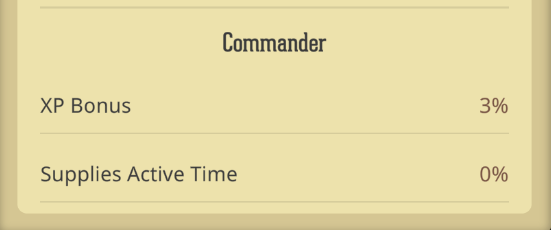
This will open your overall Statistics screen. Because your account is constantly receiving bonuses from various sources (like your College research, Commander equipment, active Supplies, VIP level, and Alliance technology) this menu acts as your master dashboard. It automatically calculates all of your active bonuses and combines them into easily readable percentages.
The buffs on this screen are categorized into 5 main types:
Economy Generic
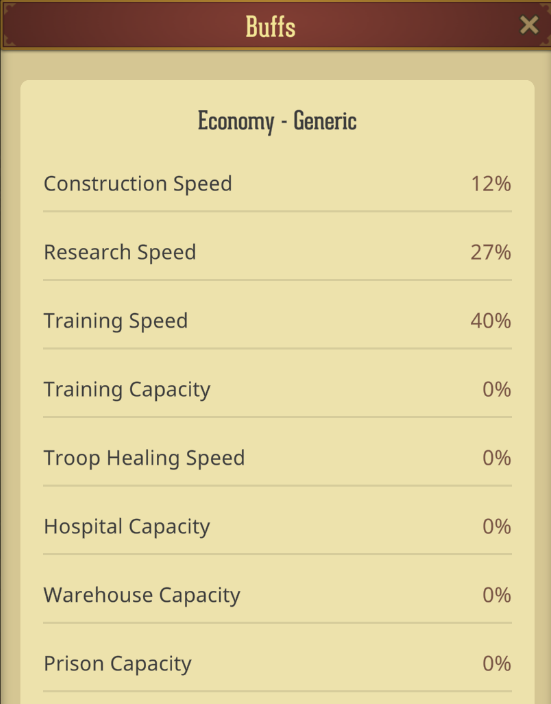
Economy Resources
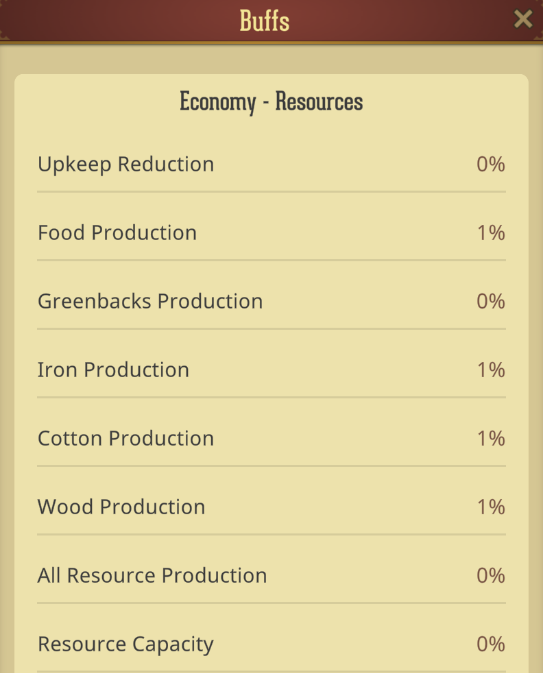
Troops Military
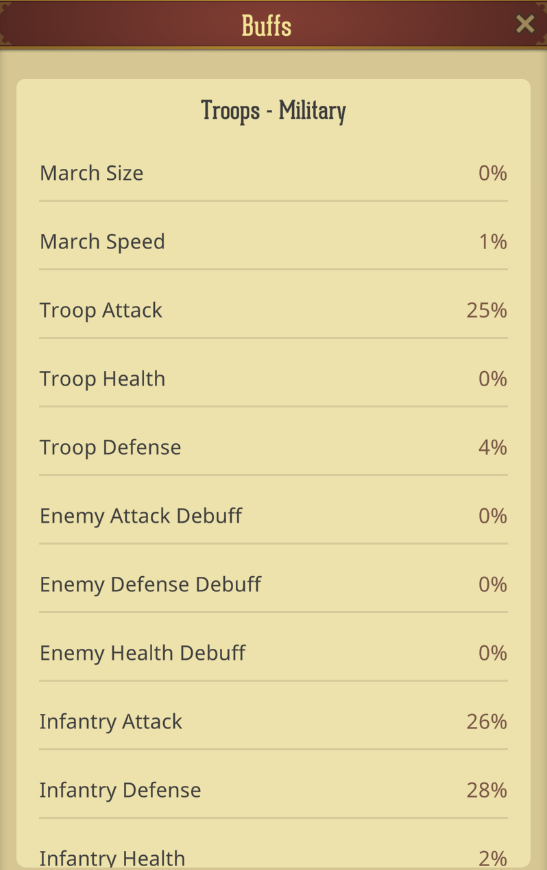
Troops Resources
Commander
Was this article helpful?
That’s Great!
Thank you for your feedback
Sorry! We couldn't be helpful
Thank you for your feedback
Feedback sent
We appreciate your effort and will try to fix the article